How to find clothes from a TikTok or Instagram screenshot
A paused frame is mostly interface. Here is how to pick the frame worth screenshotting, what gets cropped out before the search runs, and where motion blur stops being fixable.
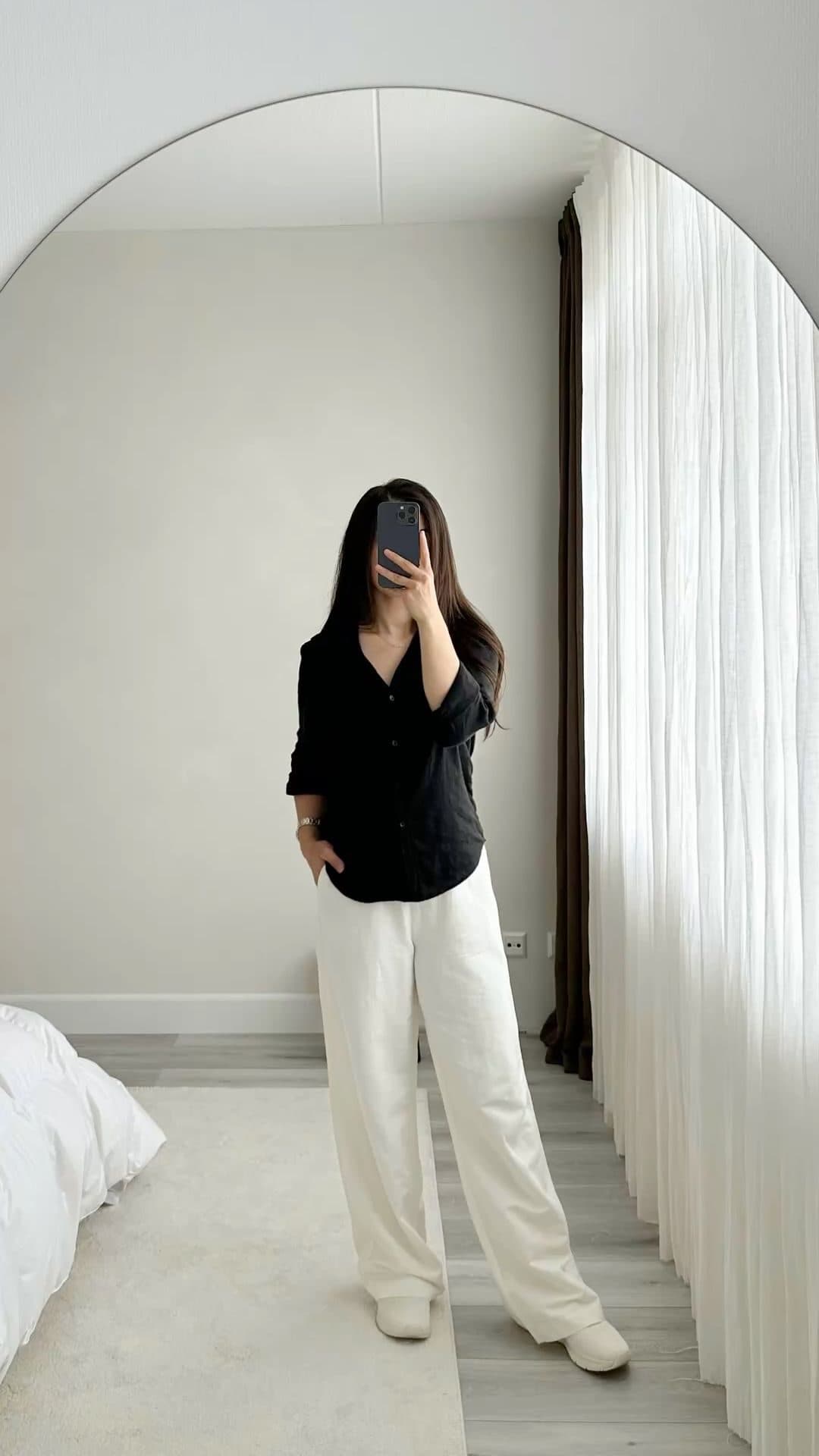
Screenshot the frame where the outfit is clearest, then run it through a search built for clothes rather than for images in general. Koral crops the app's own interface out of the frame before it searches, so the caption, the status bar and the column of buttons never become part of the query, and each garment left standing is cut out and matched on its own.
The short version
- Pause on the frame where the outfit is still, not the one where the pose looks best. A sharp garment edge is worth more than a flattering angle.
- Screenshot the whole thing. You do not have to crop out the caption, the status bar or the row of buttons, because they come off before the search runs.
- Run the still through a search built for clothes rather than a general reverse image search, or what you get back is the post you already had.
- One frame gets every garment in it searched separately, each cropped out and matched on its own, returned in head to toe order.
- If the creator is small in the frame, the image is zoomed to them before garments are looked for. Motion blur is the one thing nothing downstream can undo.
A paused frame is mostly not the outfit
Take a screenshot of a vertical video and look at what you actually captured. There is a status bar across the top with the time and the battery. There is a username, a caption that may run three lines, a sound title scrolling along the bottom, and a column of like, comment, share and save buttons stacked down the right-hand side. There is a progress bar, and often a sliver of whatever post is sitting underneath this one. Somewhere in the middle of all that is the outfit you screenshotted it for.
This is the real reason screenshots have a reputation for searching badly, and it has nothing to do with image quality. A general image search reads the whole frame as one picture. The interface is a large, high-contrast, extremely distinctive part of that picture, so a whole-frame match is partly matching on the app rather than on the clothes. That is how you end up with other screenshots of other videos rather than a jacket.
The standard advice at this point is to crop the screenshot down yourself first. It is reasonable, it is just work you should not have to do, and it is easy to crop so tight that a sleeve or a shoe gets clipped. The better answer is for the search to take the interface off itself.
Pause and screenshot inside the app, on your own phone. A photo of one screen taken with another phone, or a repost three shares removed from the original, softens the same frame every time it is re-encoded, and detail is the thing you are trying to keep.
The interface is the easy part. Motion is the hard part.
Choosing which frame to screenshot
This is the single decision that changes your results most, and it happens before any software is involved. A ten second clip gives you a few hundred frames to choose from, and they are not equally useful. The instinct is to pause on the frame where the outfit looks best, which is usually the one where the creator is mid-turn with the coat flaring out. That frame is the worst one to search, because the flare is motion and motion is blur.
Scrub for stillness instead. The beginning and the end of a transition, the beat where somebody stops and holds a pose, the moment before they start walking. Here is roughly what each kind of frame gives the search to work with.
| The frame you paused on | What the search actually gets | What comes back |
|---|---|---|
| Standing still, full body, facing the camera | Clean edges on every garment, and a subject large enough in the frame that no zoom pass is needed | The best case. Every piece, ordered head to toe |
| Mid-turn, mid-walk, mid-spin | Sharp on whatever is still and soft on whatever moved fastest, usually the hands, the hem and the feet | The still garments match well, the blurred ones come back generic |
| A close-up on one piece | One garment filling most of the frame, with nothing competing for the four item slots | The tightest match available, and only for that piece |
| Shot from behind | A back view with no neckline, no fastening and no front detail to match on | The right silhouette, frequently the wrong garment |
| The creator small in a wide room shot | A subject under a third of the frame, which triggers a zoom to those bounds before detection runs | Workable, though the smallest pieces still fall through to a text query |
What comes off the screenshot before anything is searched
Koral runs a content crop on the image before anything else looks at it. The interesting part is how it decides what counts as content, because there is no list anywhere of what a TikTok interface looks like, and there could not usefully be one. Interfaces get redesigned and buttons move, so any hard-coded rule would be out of date within a release cycle.
So the crop is not built on knowing what to remove. It is built on knowing what to keep.
- 1
The frame is bracketed by the real things in it
Object detection runs across the whole screenshot and boxes everything it recognises as a real-world object. Interface furniture never makes that list, because a status bar, a username, a caption block, a sound title and a column of like, comment and share buttons are text and chrome rather than objects. They fall outside the bracket by default, with no rule anywhere that has to know what TikTok looks like.
- 2
A tight bracket becomes the crop, a loose one is ignored
On a frame that is already almost all photo, nothing is cropped at all, since tightening a clean image only risks trimming the outfit itself. A vertical video frame wrapped in interface is a long way from that, which is exactly why the step exists.
- 3
The crop keeps a margin
The cut is padded outwards on every side, so a sleeve, a hem or a boot sitting right at the edge of the detected region survives rather than being shaved off.
- 4
Only then does the background go, and the garments come out
The interface is cut first, background removal runs on what is left, and garment detection runs last on that. A messy bedroom or a busy street behind the creator costs you nothing, because it is gone before anything is being matched.
The practical result is that the thing that makes a screenshot look unusable, all the interface wrapped around the picture, is the part that comes off first and costs you nothing. What you are left holding is the part that was always the problem: how sharp the garment underneath it actually was.
When the creator is small in the frame
Video frames have a problem still photos mostly do not. People film themselves from across a room, on a tripod at the end of a hallway, or walking towards a camera propped against a wall, because a video needs space to happen in. The result is a full-height frame where the person occupies a narrow column down the middle of it and the rest is floor, wall and doorway.
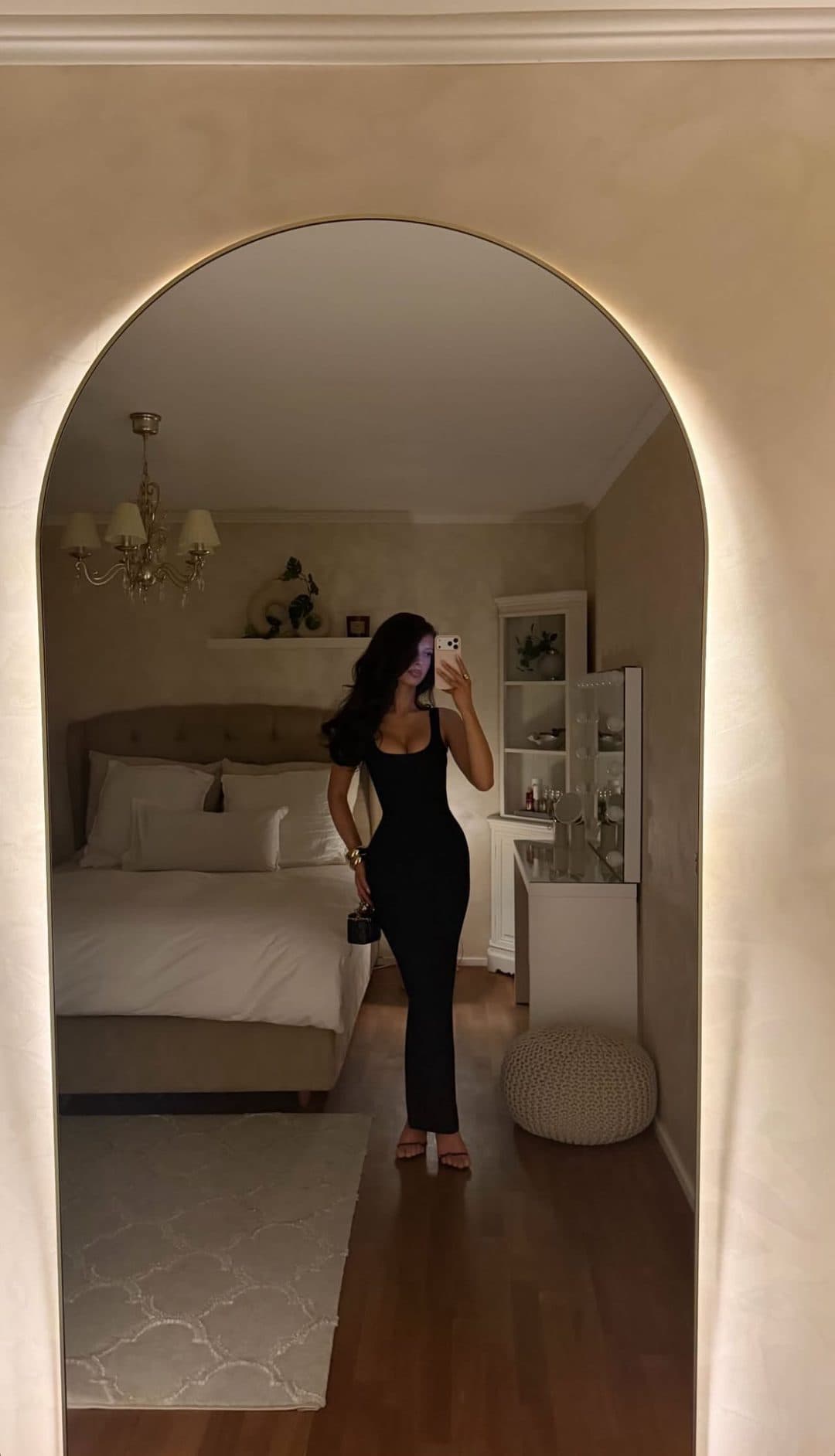
Once the background is out of the way, whatever is left of the subject gets measured against the frame. A person who occupies only a narrow column of it is cropped in to, and garment detection runs on that zoomed frame instead of on the original. Detection then gets a person filling most of the picture rather than a small figure in a large empty room, and everything downstream still knows where each piece sat in the real photo.
This matters more on video frames than on anything else you might search, because the framing that makes a good clip is precisely the framing that makes a bad search. A tripod shot with room to walk into is a wide shot by definition.
The zoom is a rescue, not a replacement for a good frame. If the clip contains a closer shot of the same outfit, even for half a second, screenshot that one. More real pixels on the garment beats a crop that magnifies fewer of them.
Nothing reads the caption, including us
It is worth being blunt about this, because people assume the opposite. No text is read off the screenshot at any point. There is no step that lifts the caption, the username, the sound name or the on-screen subtitles and feeds them into the search. The caption is pixels, and pixels outside the subject get cropped away. So "festival fit" written across the frame does not help you, and it does not hurt you either.
That cuts both ways, and mostly in your favour. A creator who tagged the wrong brand cannot mislead the search, and a creator who tagged nothing at all has not withheld anything from it. The garment is read out of the picture, so a clip with no product link, no brand mention and comments full of unanswered "where is this from" is exactly as searchable as a sponsored post with everything labelled.
You can type a note alongside the image, and it is worth doing when you know something the picture cannot show, like a brand you recognised or a retailer you want. Just keep in mind how blunt an instrument a description is next to the frame you already have.
the oversized black jacket from that reel
Every chip is a garment that sentence honestly describes. The frame rules out all but one of them, and you never had to name a single attribute to do it.
A handful of pieces, and the frame decides which
One screenshot gets every garment in it detected and searched, each one cropped out and matched separately rather than blended into a single query for the whole look. There is a real ceiling on how many come back rather than a rough guide, though on most outfits it never bites, since a coat, a top, trousers and boots is already a complete look.
It bites on a styled frame. Detected pieces are ordered head to toe by where they sit on the body, and the list is then cut at four. A frame carrying a cap, a jacket, a top, jeans, trainers and a shoulder bag does not get all six searched, and the ones that drop are furthest down the order. So the trainers you paused the video for can be the casualty of everything worn above them. The pieces are read against a garment taxonomy rather than generic object labels, and footwear alone accounts for several of its categories. There are simply only so many slots.
If one item is the entire reason you screenshotted the video, crop the still down to that item and search it on its own. A single-garment crop spends the whole search on the thing you want instead of splitting it four ways, and it sidesteps the head to toe ordering completely.
What comes back is not the post
The most common disappointment with searching a screenshot somewhere general is that it works perfectly and still gives you nothing. It finds the video. It finds the same clip reposted on three other accounts, a Pinterest board that saved a frame from it, and a Reddit thread where somebody else asked the same question you have. All correct, and none of it a place to buy anything.
TikTok, Instagram, Pinterest and the other social platforms are blocked, alongside blog hosts, the fashion magazines, the aggregators and the replica marketplaces. Blocked means removed from the results rather than ranked lower, so the app you took the screenshot in cannot come back as an answer to it.
Resale sits in between and is handled honestly rather than purely. Depop, Vinted, eBay and the other secondary marketplaces are held back by default, but only while they are a small share of what came back. Once they are a real share of the surviving results they are included, because at that point they are genuinely where the item lives. Results are then filtered to the region you are searching from, the UK, the US, the EU, Australia or Canada, with listings priced in the wrong currency or sold on a domain that does not serve you dropped outright. A creator in Los Angeles and a viewer in Manchester screenshot the same frame and do not get the same list.
When it will not name the brand
Sometimes a search comes back with an actual brand and product name attached, and sometimes it comes back with listings and no name. That difference is deliberate and it is worth understanding, because it tells you how much to trust the ones that do appear.
Naming an exact product uses two independent signals. The first is a read of the photo on its own, which only asserts a brand when there is concrete visual evidence for it, a visible wordmark, a logo, or a signature design that genuinely belongs to one label. The second is what the closest visual matches are actually called on the retailer pages that stock them. An identification is only asserted when those two agree. When they do not, the brand and the product name are cleared to nothing rather than filled in with a plausible guess.
Two signals have to agree before a name appears. One of them is the photo, and the other is what the shops call it.
A video frame is where that restraint earns its keep. Compression, movement and a logo that was legible for two frames and not the one you paused on all push towards a confident-sounding wrong answer. A tool that always names something is not more useful than one that sometimes declines. It is just not telling you when it is guessing.
Where this does not work
A paused video frame is a harder input than a photograph, and some of the ways it is harder cannot be engineered around.
- Motion blur is a limit, not a setting. A frame paused mid-turn has soft edges on whatever moved fastest, and nothing downstream sharpens them back. Cropping tighter does not help either, because a bigger crop of a blurred garment is still blurred. The realistic outcome on a blurred piece is a generic match, and the only fix is upstream: scrub back a second and screenshot a frame where that garment is still.
- A caption sitting across the garment costs you accuracy, and the crop cannot save you from it. The content crop removes what surrounds the subject, it does not repaint pixels inside it. Text burned over a jacket is part of that jacket as far as the search is concerned, and subtitle blocks, sticker text and translucent overlay panels all do the same thing. Pause a second earlier or later, when the caption has changed, and screenshot that frame instead.
- There is a floor on how small a piece can be. The frame zooms to the subject when they are lost in it, which rescues a lot of wide shots, but a garment that still ends up as a tiny patch of the picture is searched by description rather than by image, because that many pixels cannot carry a reliable visual match. On a full-length shot from across a room, that is usually the shoes and the jewellery.
- It declines to name a product rather than guessing at one. Naming an exact brand and model requires two independent signals to agree, a read of the photo on its own and what the closest visual matches are actually called on the pages that stock them. When they disagree, no brand and no product name is returned at all, and you get the closest current listings instead.
What happens between the screenshot and the results
- 1
The interface is cut away
The part of the frame holding real objects becomes the crop, padded outwards so nothing at the edge is lost, and skipped on a frame that is already mostly photo.
- 2
A small subject gets zoomed before detection
A person filling only a narrow column of the frame gets cropped in to, so detection runs on them rather than on a mostly empty room.
- 3
Each garment is cropped out and searched on its own
Each piece matched separately rather than as one blended query, and returned head to toe with outerwear ahead of tops.
- 4
The platforms are filtered out of the results
TikTok, Instagram and Pinterest are blocked outright, listings in the wrong currency or on a domain that does not serve your region are dropped, and resale appears only when it is genuinely a real share of what exists.
None of it asks anything of you beyond picking a good frame. You do not crop the interface and you do not describe the garment.
If the first set of results is close but not right, keep going in the same conversation rather than starting again. Anything you have already pinned down, a colour, a brand, a retailer you did not want, stays in effect on every later message unless you change it, so a vague follow-up like "another option" varies only what is newly implied.
Frequently asked questions
Related guides
That frame is still in your camera roll.
Pull up the screenshot you took off a video and drop it into Koral. The interface comes off, each garment gets cut out and searched on its own, and what comes back is retailer listings for the pieces rather than the post you already had.
Start a searchblackcargosfromthisfestivalreel
Anything you type alongside the frame is trimmed down to the product itself. The occasion goes, the department is made explicit, and on bottoms the cut carries more weight than the colour.