How to find shoes from a photo when the search keeps returning the outfit
Shoes take up a small share of a full-body photo, so a whole-frame search hands back clothes. What a second zoomed pass on the footwear changes, and when naming an exact model is still not honest.
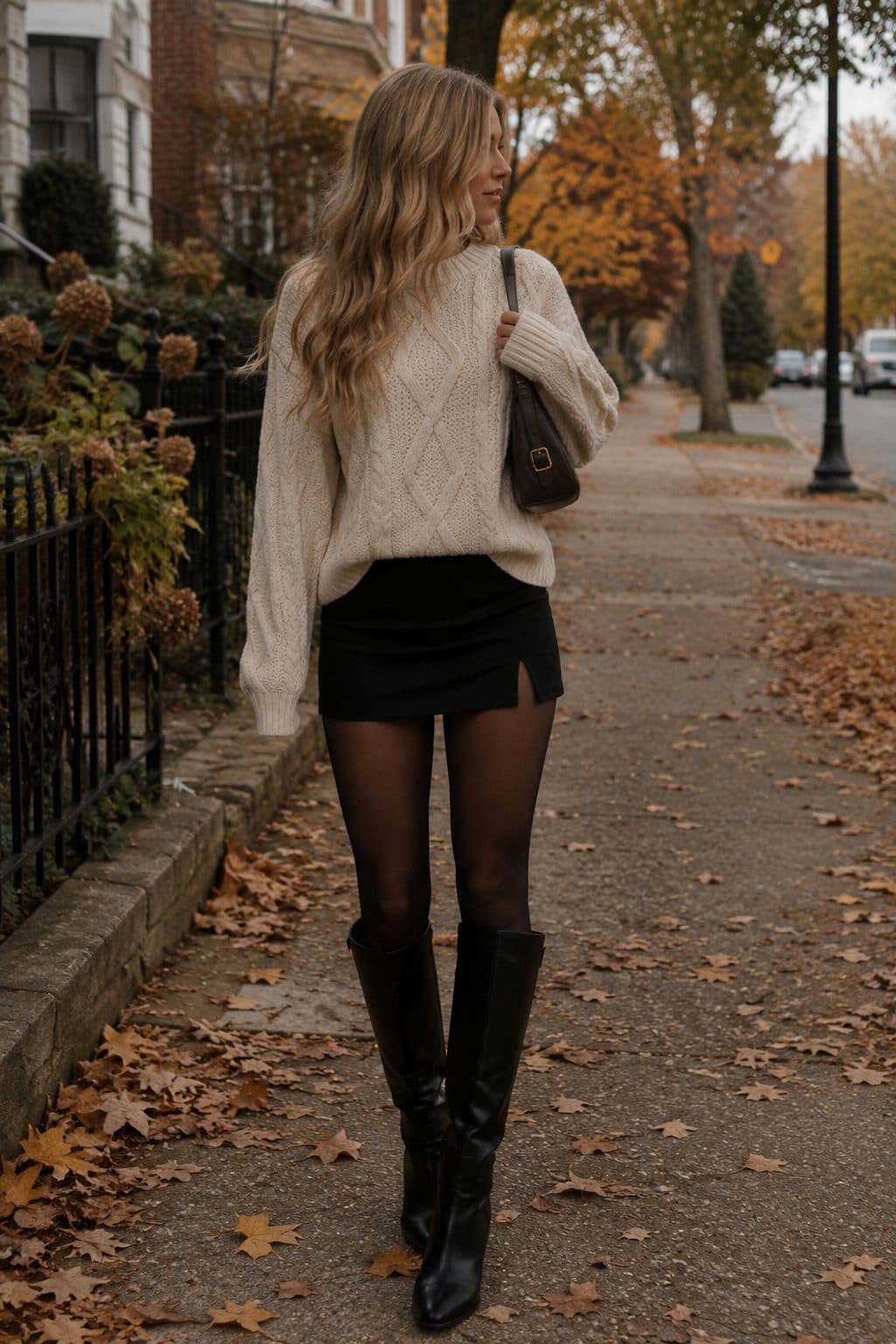
Koral crops the footwear out of the photo and looks at it again on its own. A search that reads a whole frame matches on whatever fills it, which in a full-body photo is the outfit, so the shoes come back as clothes. The second, zoomed pass sees only the shoe, and that is what turns "yellow trainers" into "women's yellow Nike Air Force 1 low".
The short version
- A shoe fills a tiny share of a full-body photo, so a search that reads the whole frame matches on the coat and the trousers instead.
- Cropping to the footwear before you search is the single most useful thing you can do, and it works in any tool.
- Koral does that crop itself for footwear, then asks one focused question about the shoe alone: which well-known model does this most look like?
- A confident answer turns "yellow trainers" into "women's yellow Nike Air Force 1 low". An unsure one changes nothing, on purpose.
- Sneakers, boots, heels and sandals are kept apart from one another, not lumped into one footwear bucket.
Why the search keeps handing you the outfit
This is a framing problem before it is a matching problem. Stand a person in the middle of a photo and the clothes take almost all of it. The coat, the dress or the trousers occupy the centre of the frame at full height, and the shoes sit in a strip at the bottom that is often a couple of percent of the picture. A search that reads the whole image has to decide what the image is of, and on that evidence it is of an outfit.
So the results are not wrong so much as answering a different question. You wanted the shoes. The picture was mostly a coat, and it matched a coat. Prominence in the frame, not importance to you, is what a whole-frame match runs on.
The other half of the problem shows up once a shoe is being described in words rather than matched as an image. A first pass that is juggling a whole outfit at once rarely resolves footwear past its silhouette, and what it produces is a perfectly accurate description that is useless in a shop: yellow trainers. Every word in it is true and none of it narrows anything down.
yellow trainers
Each of these is a different shoe in a retailer search box. The generic description is not wrong, it is just not narrow enough to land on one product.
The shoes are in the photo. They are just not what the photo is about.
What a second, zoomed look at the shoe changes
Inside Koral there is a specific moment where a shoe gets turned down. Every garment detected in a photo is cropped out and reverse-image-searched on its own, but a crop has to be big enough to be worth matching. A detection box that comes out as a tiny patch of the frame is judged too small for a reliable image match, and the item is described rather than matched. On a full-body shot, footwear is the category that fails that floor most often. A few categories are exempt from it, sunglasses, headwear and small accessories like belts and scarves, because they are legitimately tiny and unusually hard to put into words. Footwear is not exempt, because a shoe is describable. It is just not describable well enough by a pass that is looking at everything else at the same time.
That is the gap the footwear pass fills. The box that was rejected as too small for an image match is still a perfectly good frame for looking at a shoe, so it gets kept and used a second time, for a different purpose and with a different question attached.
- 1
The shoe keeps its box even after it is turned down
When a detected shoe is too small to image-search, the box that framed it is not thrown away. For footwear specifically, it is kept aside so the refinement pass can cut its own crop from it. Nothing else in the photo gets that treatment.
- 2
The shoe is looked at in its setting
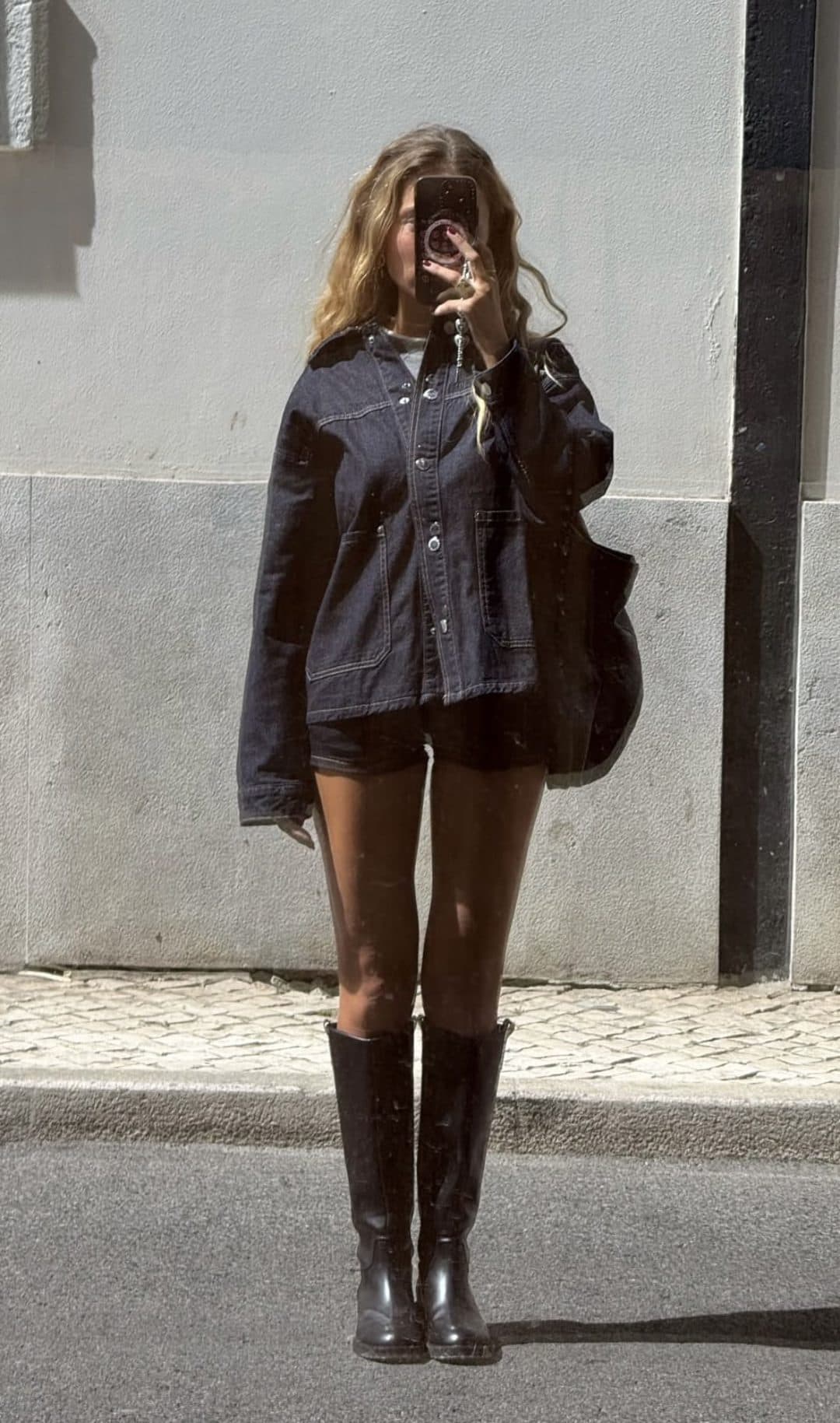
The goal of this pass is to look at the shoe rather than to isolate it from what is around it, so it is not cut out of the picture the way the other garments are. Where the shoe meets the floor is part of what tells you how high it sits.
- 3
It is padded generously
Detection boxes routinely clip a sole, a heel or a toe, and those are the parts that tell one model from another. The footwear crop is given far more slack around it than the crops cut for image search get, because a shoe sits at floor level with no neighbouring garment to bleed into the frame.
- 4
One question is asked, about one shoe
The zoomed crop gets one question asked of it, and only one: which well-known shoe does this most look like, judged on silhouette, height, sole, materials and colour blocking? Nothing else about the outfit is on the table at that moment, which is the whole reason the answer is better.
- 5
A confident answer replaces the query, an unsure one changes nothing
Only a high or medium confidence answer replaces the generic query. Low confidence returns nothing and the original description survives untouched, and so does a call that simply fails. Shoes that were clear enough to image-search in the first place skip this whole pass and keep their image search.
Nothing in that sequence is a better matching engine. It is the same search, asked a better question, from a picture that actually contains the answer.
The query that comes out the other side
The output of the zoomed pass is not a paragraph about the shoe. It is a shopping query, and the shape of it is deliberate. The gender and the colour already read from the photo are carried over, the model is added, and words like buy and shop are kept out entirely, because those words match articles and roundups rather than product pages.
women'syellowtrainers
The gender and the colour survive from the first read of the photo. The model name is the part the zoomed pass adds, and it is the part that makes the query findable in a shop.
The difference between those two queries is the whole feature. One of them describes a category of shoe and returns a wall of things that vaguely qualify. The other describes a product, and a product query is the kind a retailer index can actually answer. Gender stays on the front because every query Koral builds is gendered, which sounds trivial until you have scrolled past forty results in the wrong department.
It is worth being precise about what the model name means here. It is the closest well-known model whose look matches what the crop shows, judged on silhouette, height, sole, materials and colour blocking. It is not a claim that the shoe in your photo is that exact product. A model which closely resembles the shoe is a good answer. Inventing one to fill the gap is worse than staying generic, and the pass is built to prefer staying generic.
Sneakers, boots, heels and sandals are not one category
Koral does not have a single shoes bucket that everything with a sole falls into. Sneakers, boots, heels and sandals are kept apart from one another. That split does real work. It is what lets the system know a chelsea boot and a court heel are not variants of the same thing, and it is what the footwear pass keys off, since that pass fires for shoes and for nothing else.
The taxonomy also decides what happens on a busy photo. Koral only reads so many garments from one image, a real ceiling rather than a rough guide, and the detector is asked to return what it finds in head-to-toe order. That is plenty for a coat, a top, trousers and boots. It stops being plenty the moment a hat or a bag joins the list, and the pieces most likely to fall off the end are the ones lowest on the body.
If the shoes are the entire reason you saved the photo, crop to the shoes and search that. A single-item crop spends the whole search on the thing you want instead of splitting it four ways, and it gives the match a subject rather than a detail.
Why reverse image search for shoes so often stalls
A general reverse image search is not broken when it fails on footwear. It is doing its job, which is finding where a picture lives on the internet and what else looks like it. Hand it a street-style shot and it will find you that shot, boards it was repinned to, and other photos of people dressed similarly. None of those are the shoes, and none of them are a place to buy the shoes, because the question you asked was about the image rather than about one object inside it.
This is why the advice to crop before searching keeps coming up, and why it is genuinely good advice. Cropping does not make the match cleverer, it changes what the picture is of. What a purpose-built clothing search adds is that it does the cropping for you, per garment, and then knows that footwear needs a second look at a different zoom level before its query is any good.
The honest framing of the whole thing is narrow. We are not matching pixels better than a general image search does. We ask a better question and we throw away the answers that are not shoppable.
What the photo has to give it
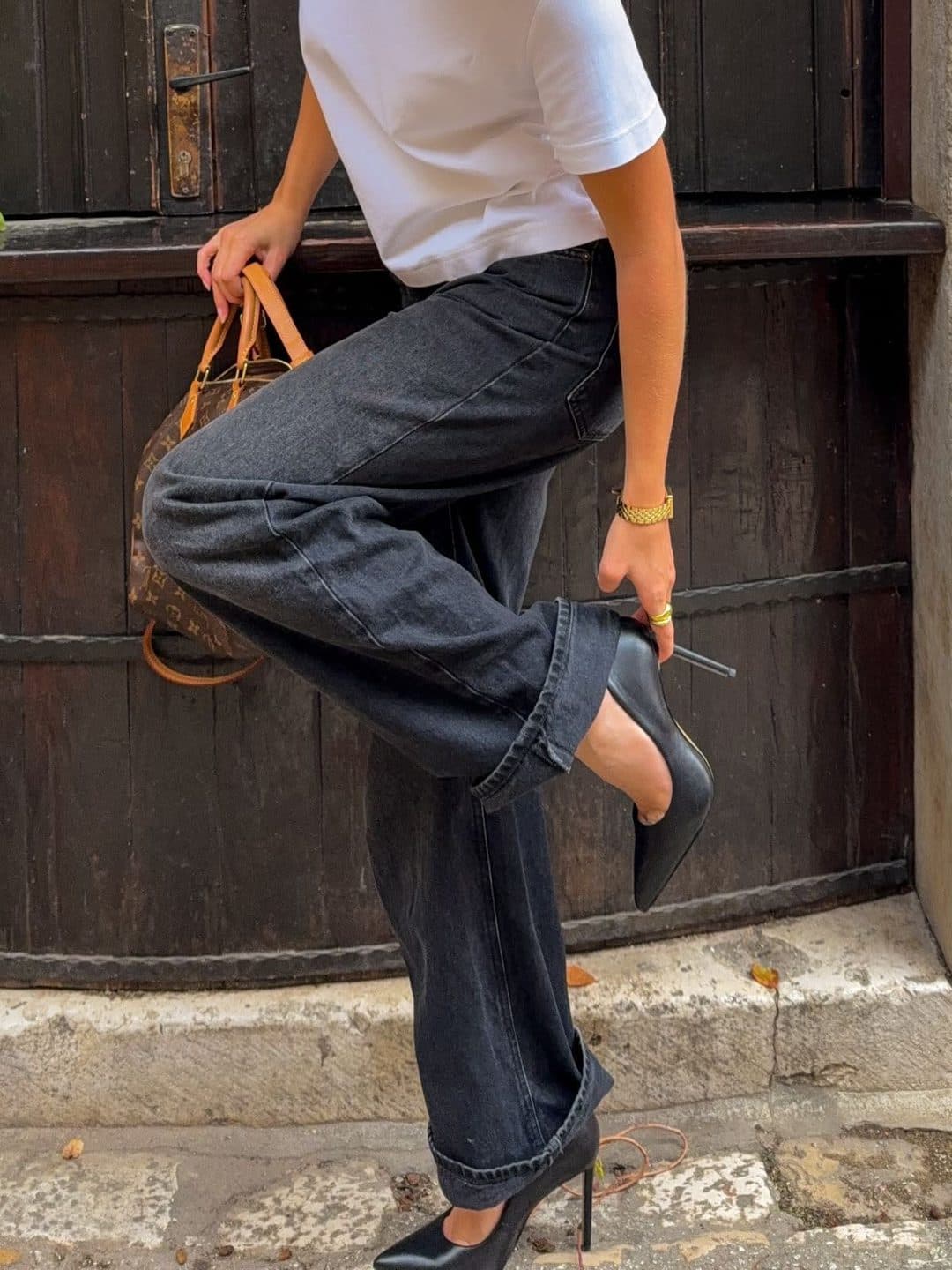
The second pass can only magnify what the camera recorded, and three things about the source photo matter far more for footwear than they do for a coat. Resolution is the first: a shoe occupying two percent of a phone screenshot is a small patch of pixels, and enlarging it enlarges the compression along with the shoe. Angle is the second. A three-quarter view showing the toe, the side profile and some of the sole carries far more identifying information than a straight-on side view, where two very different models can be almost the same shape. Light is the third, and it is the one people underestimate: a dark shoe against a dark floor loses the outline detail that separates a chunky sole from a flat one.
None of this needs a good camera, and there is no photo habit that reliably rescues a bad frame. If you have a choice between two saved versions of the same look, pick the one where the shoes are largest, sharpest and least in shadow, in that order. If you only have the one photo, search it anyway and read the result for what it is.
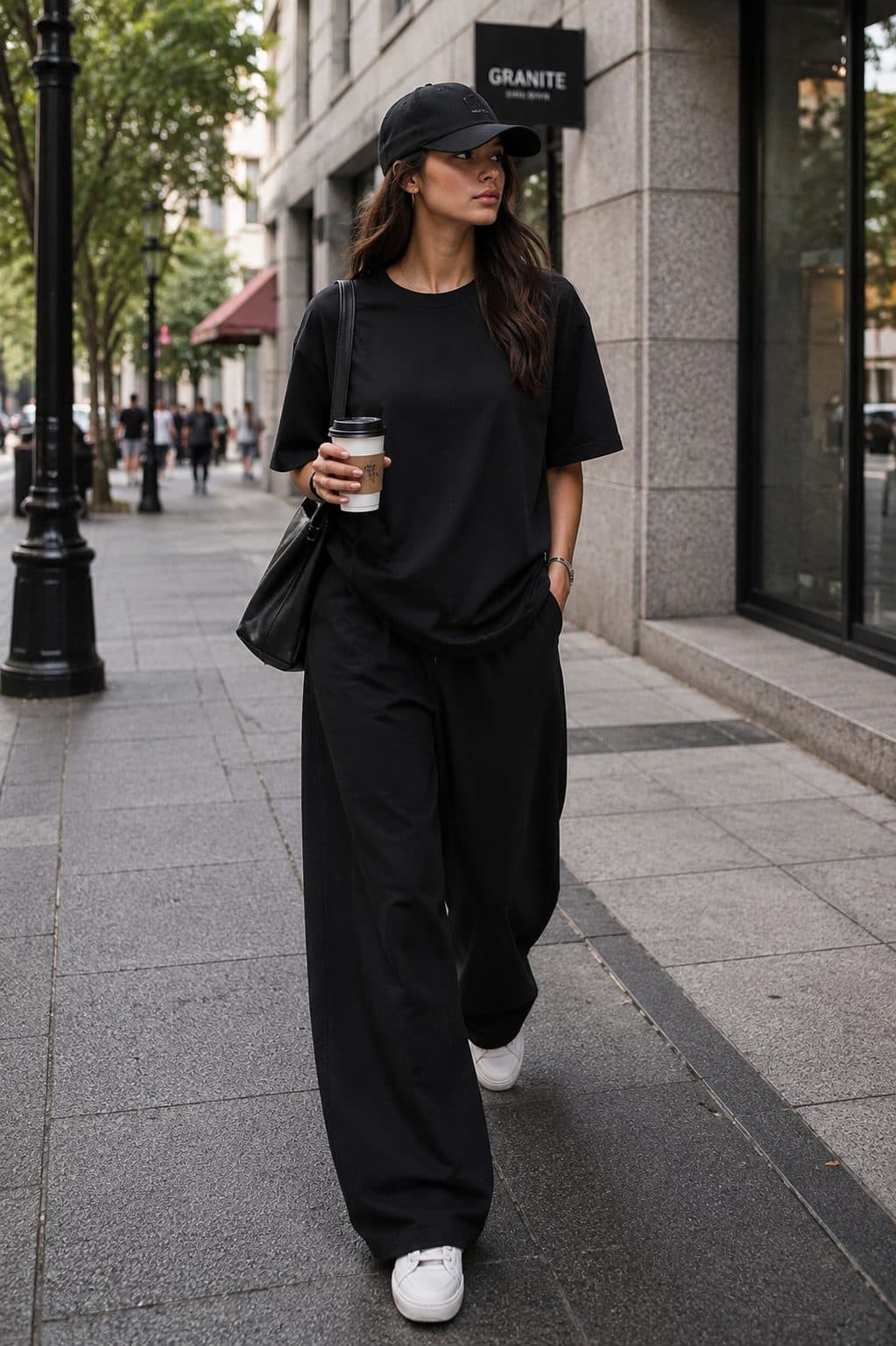
On a video, the frame where someone is walking towards the camera usually gives the footwear far more pixels than the frame where the outfit looks best. Those are rarely the same frame, and for shoes it is worth taking the less flattering one.
How the ways of finding shoes from a photo compare
Four approaches, and what each of them is actually good for.
| What you do | What comes back | Where it breaks |
|---|---|---|
| Search the full-body photo as it is | Look-alikes for the outfit, mostly clothes | The shoes are too small a share of the frame to lead the match |
| Crop to the shoes yourself, then search | Shoes, and often close to the right shape | A distant or side-on crop has no detail left to enlarge |
| Describe the shoes in words | Everything that fits the description | A generic description matches thousands of products equally well |
| Search the photo with Koral | Each garment searched separately, with the footwear given a second zoomed look | An unreadable shoe comes back as the closest resemblance, not a name |
Where this does not work
A zoomed second look moves a lot of photos from useless to useful. It does not move all of them, and the cases it cannot move are worth naming.
- A shoe shot from the side at a distance, or in shadow, still fails. Zooming in can only magnify detail that the camera captured, it cannot invent detail that was never there. A dark shoe against a dark floor gives the second pass a silhouette and very little else, and the honest result is the generic description rather than a model name.
- What the zoomed pass names is the closest well-known model, not a verified product. It is explicitly allowed to answer with a model that looks very similar rather than one that is provably the same, because a close resemblance finds you a buyable shoe and a wrong exact name sends you somewhere useless. Read that output as "closest match", because that is what it is.
- Naming an exact product is a separate and stricter thing. It works from two independent signals, a read of the photo made before any search ran and the products the reverse-image search actually came back with, and it only names a product when those agree. When they disagree it names nothing. Returning no answer is a real outcome here, not a failure state we hide.
- Own-label and unbranded footwear has no well-known model to name. A plain black boot from a high street own label is not a model anyone would recognise, so the pass correctly declines and the generic description does the searching. That is the right answer, and it is also why the feature reads as quiet on a lot of photos.
- Shoes are near the end of the queue on a crowded photo. Koral only reads so many garments from one image and the detector is asked to return them in head-to-toe order, so a photo carrying a hat, a coat, a top, jeans, boots and a bag can spend every slot above the ankle. If the shoes are the reason you saved the photo, crop to them.
What happens once the shoes have a name
- 1
The query goes out as product words
The refined query is a plain shopping phrase. It stays a description of the shoe rather than a request to go shopping, because the second kind pulls in articles and roundups rather than listings, and the department the photo was read as stays attached to it.
- 2
Results are cut to the region you are searching from
Koral searches the UK, the US, the EU, Australia and Canada, and filters out listings priced in the wrong currency or sold on a domain that does not serve you. A perfect match you cannot check out from is not a match.
- 3
Replica marketplaces are blocked rather than ranked low
Temu, AliExpress, DHgate and Wish are blocked and never appear, which matters more for footwear than for most categories. Resale sites are held back rather than blocked, and the whole group is let in only when it makes up a real share of what is genuinely out there.
- 4
If it is close but not right, say so
The results are a draft rather than a verdict. Ask for it cheaper and the next search runs against a lower ceiling, judged against the price range of what it just found, name a retailer you do not want and it drops out, and details you gave earlier stay applied so you are not describing the shoe again from scratch.
Footwear is the category where this layer earns its keep. A well-known model is exactly the thing replica marketplaces index most aggressively, so a shoe query left unfiltered returns a page of counterfeits before it returns the shoe. The blocklist is why that does not happen here, and the resale rule is why Depop and Vinted still show up when a discontinued model genuinely only lives there any more.
Frequently asked questions
Related guides
Find the shoes, not the outfit around them.
Drop in the photo you already have, whether it is a screenshot, a pin or something out of your camera roll. Koral crops the footwear out, takes a second zoomed look at the shoe on its own, and searches for the closest model it can honestly name against stock you can buy from where you are.
Start a searchmen'sbrownboots